Tap to Pay on iPhone: Payment Flow
Introduction
Tap to Pay on iPhone is an NFC-enabled Apple payment feature that allows the XY Stylist POS application to accept contactless payments directly on an iPhone, without requiring additional hardware or payment terminals. This enables sales associates to securely accept payments using Apple Pay and contactless credit or debit cards through an Apple-native payment experience
Payment Flow
-
Open the XY Stylist application on the iPhone.
-
Sign in using the assigned store credentials.
-
Tap New Bag.
-
Select Sales Order.
-
Add the customer.
-
Tap Products, choose any item, and add it to the cart
-
Tap the Bag icon.
-
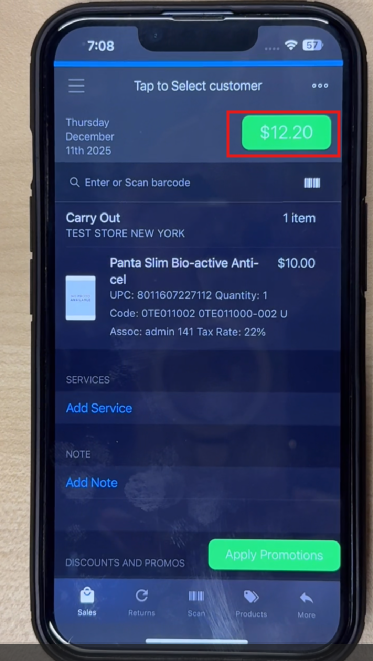
Tap the Amount icon to proceed to checkout.
-
On the Choose Payment Method screen, Select Tap to Pay on iPhone as the payment method.
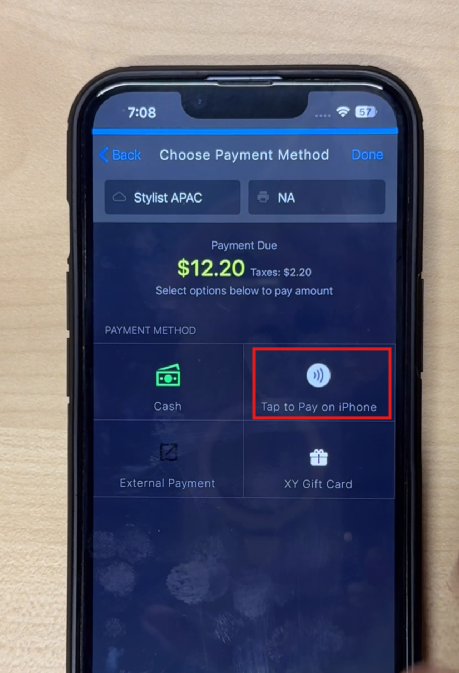
Note: If a split payment is required, refer to Split Payment Using Tap to Pay on iPhone for detailed steps.
-
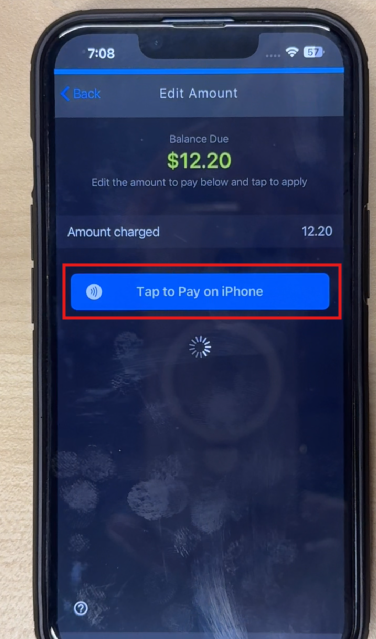
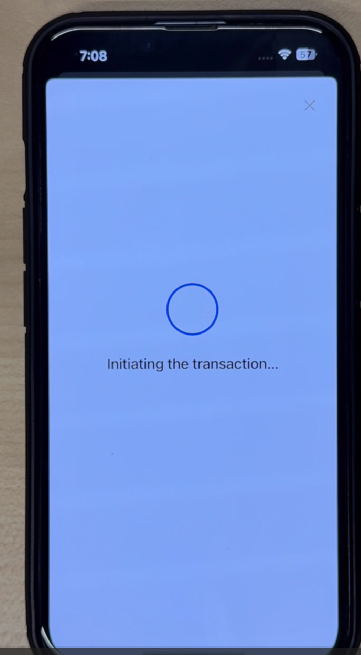
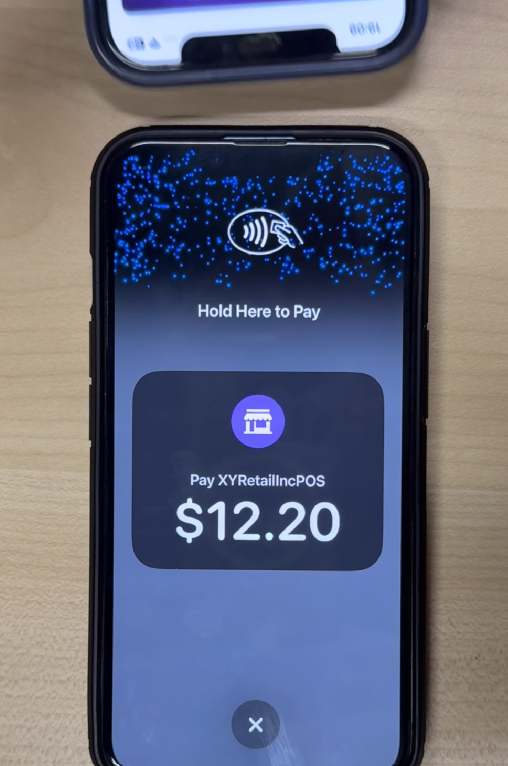
Tap the Tap to Pay on iPhone button to initiate the transaction.
-
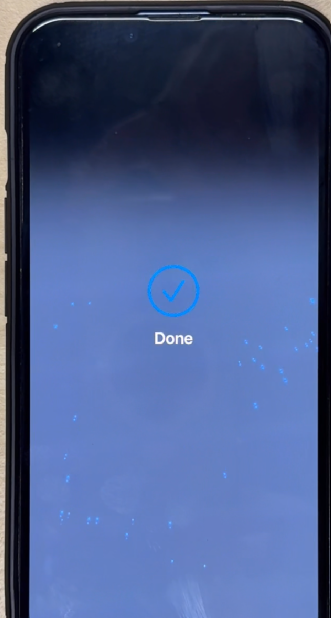
Hold the iPhone steady while the customer taps the payment method.
-
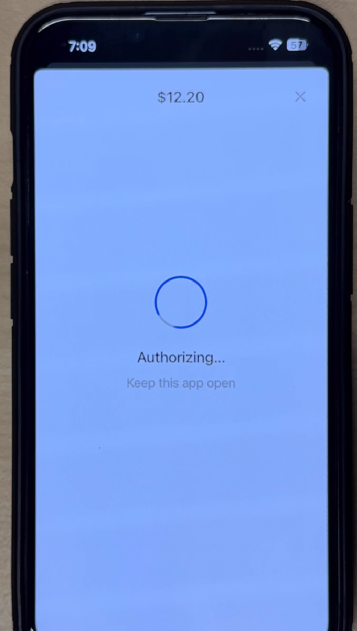
Allow the system to process the payment securely.
-
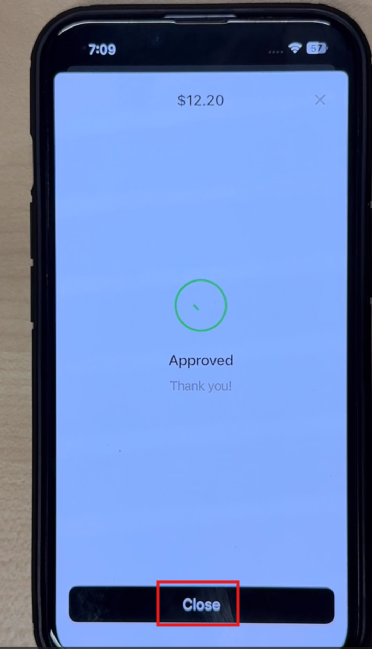
Confirm that an Approved status appears on the screen, then tap Close.
-
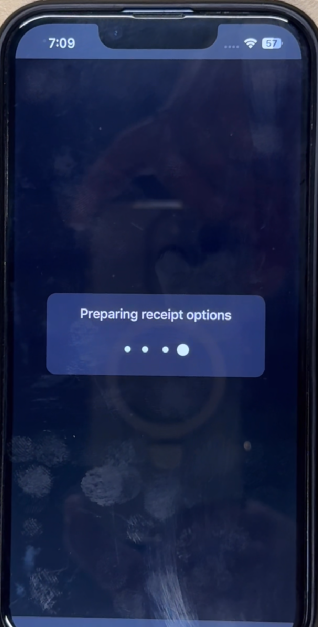
Wait for the screen to transition to the Receipt Options screen.
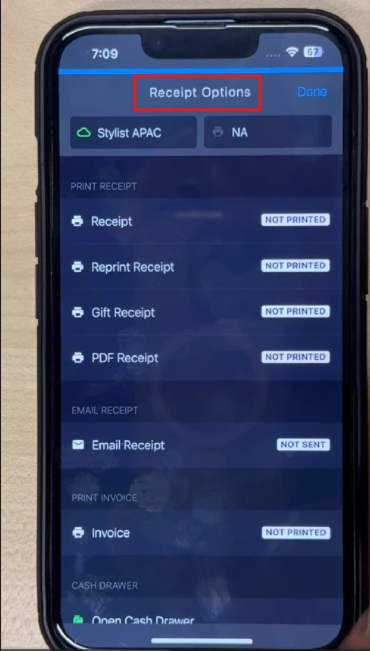
-
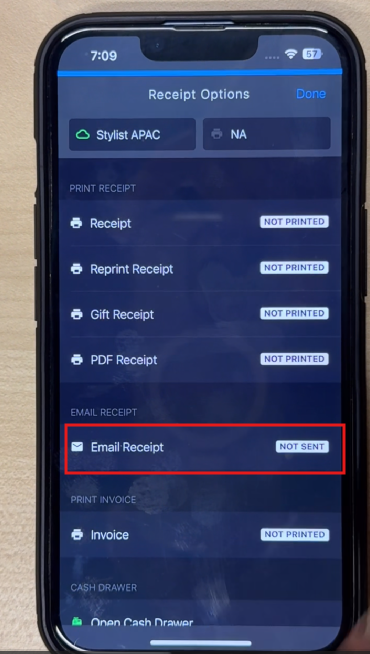
Tap Email Receipt and enter the following customer details:
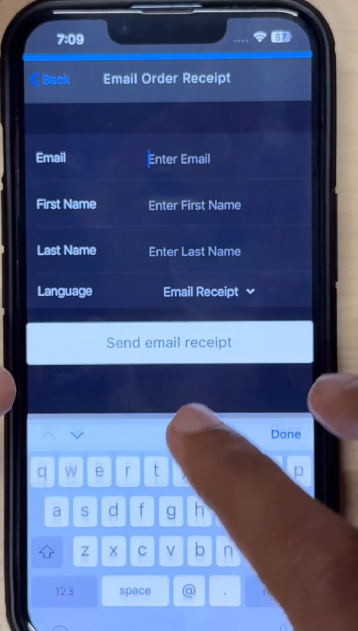
- Enter the customer's Email address.
- Enter the First Name and Last Name, if required.
- Select the preferred Language for the receipt.
- Tap Send email receipt to deliver the receipt to the customer.
ℹ️ Select the receipt associated with the sale. Emailing the receipt is optional.