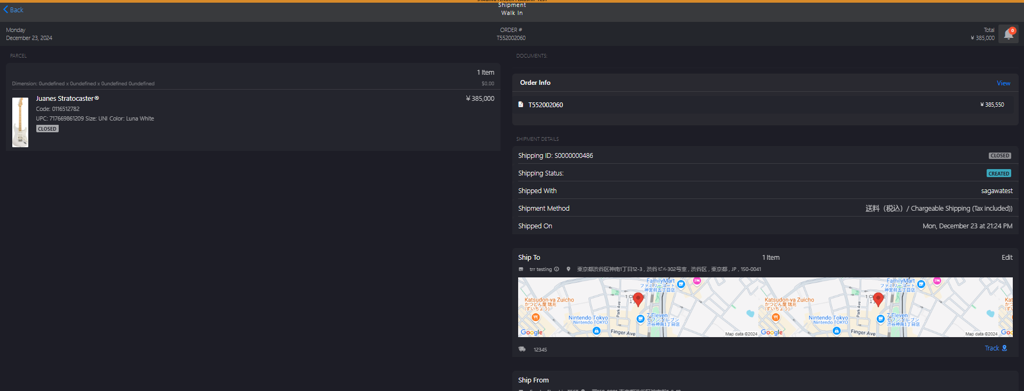
Ship Phase: Manual Shipment
Introduction
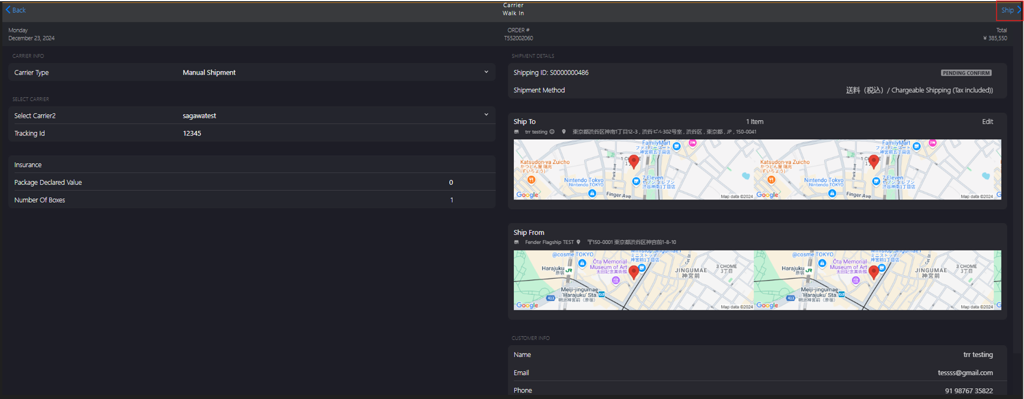
This topic explains the manual shipment process, which is initiated only when the store encounters issues with API integration. In manual shipment, initially, Manual Shipment is selected from the CARRIER INFO section and then a carrier is selected from the Select Carrier dropdown list. After confirming with the customer, the from and to addresses are added to an application form approved by the respective carrier. The form number then serves as the tracking ID.
Steps to Manual Ship the Order
-
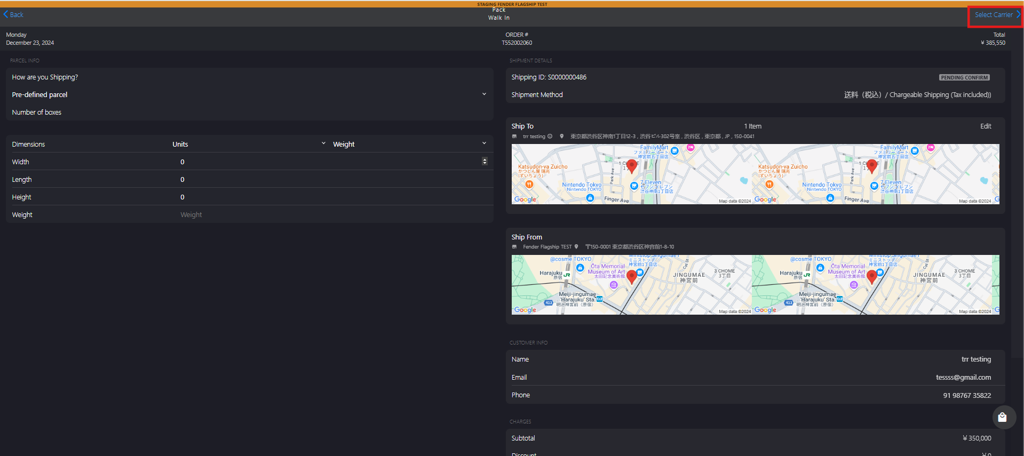
Click Select Carrier to efficiently deliver the packed item.
-
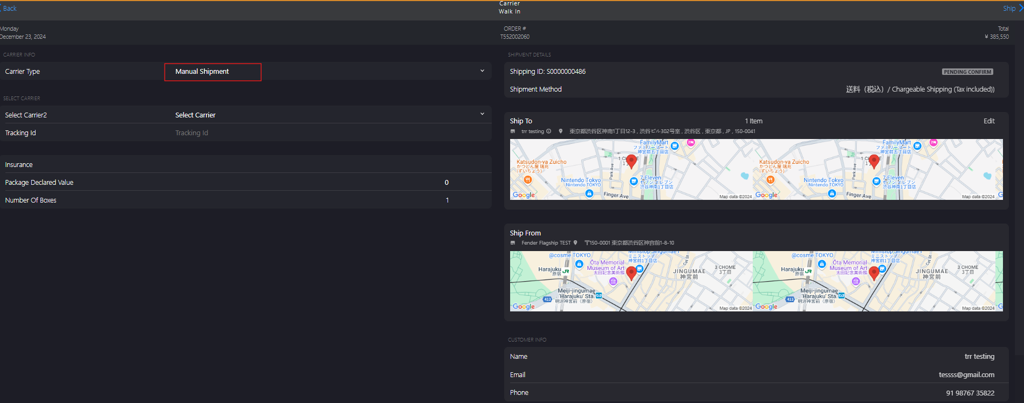
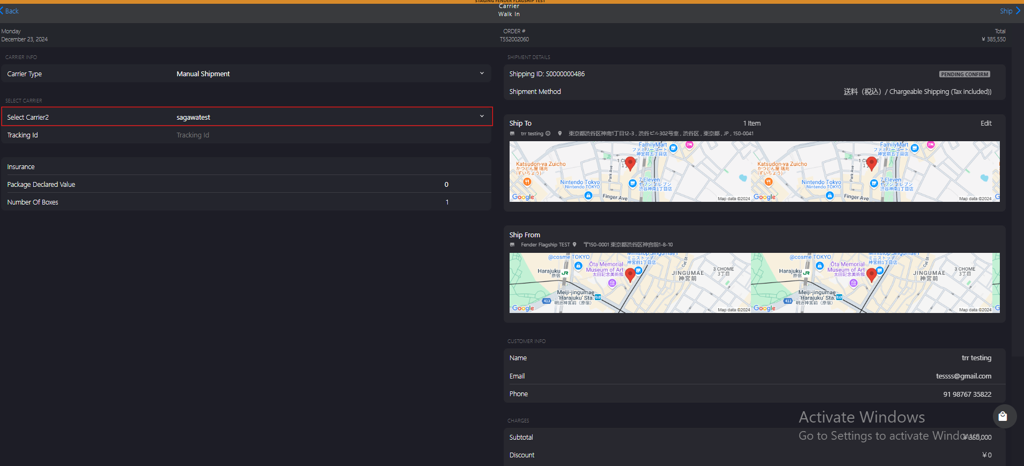
Select Manual Shipment from the Select Carrier dropdown list in Carrier Type option under CARRIER INFO section.
-
Select an appropriate carrier from the Select Carrier dropdown list in SELECT CARRIER2 option under SELECT CARRIER section.
-
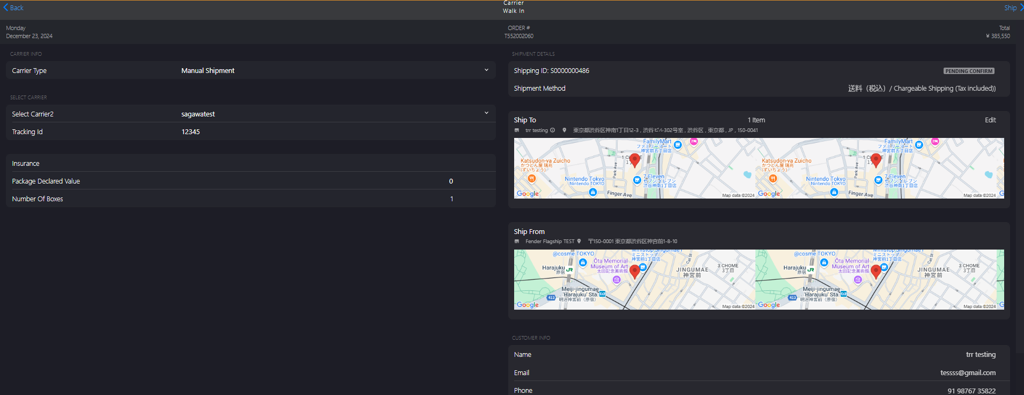
Enter the carrier approved application form number in the Tracking ID field.
-
Click Ship to commence the shipping process.