Pick
Introduction
This topic explains the initial step in the shipping process, known as Pick. This process phase involves the order shipment confirmation after successfully adding the shipment address, selecting the type of shipment, and completing all the product and shipping charge payments.
Steps to Pick the Order
-
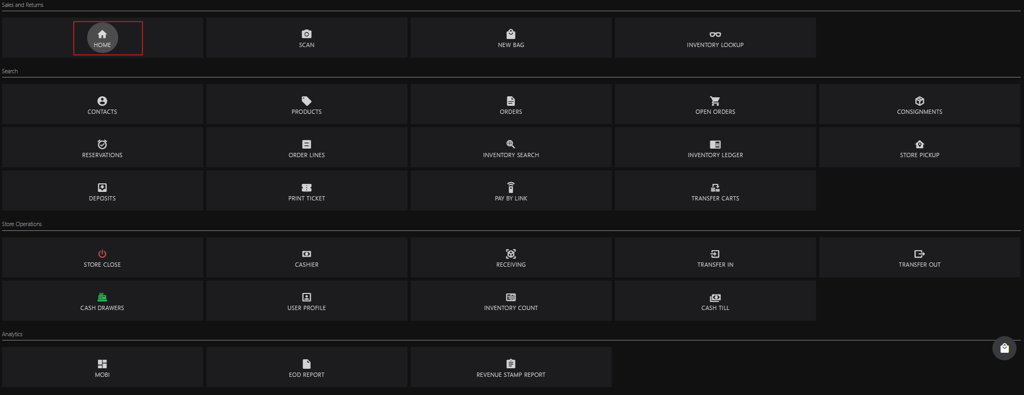
Click HOME to return to the burger menu.
-
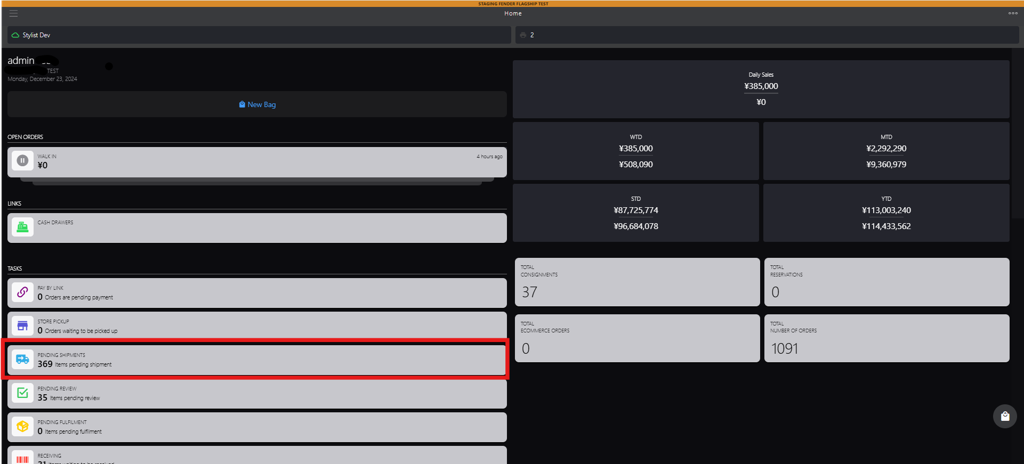
Click PENDING SHIPMENTS to go to shipments page.
-
Search for the order shipment in the Shipment Pending status using any of the following method:
-
Enter the criteria in the search box, such as:
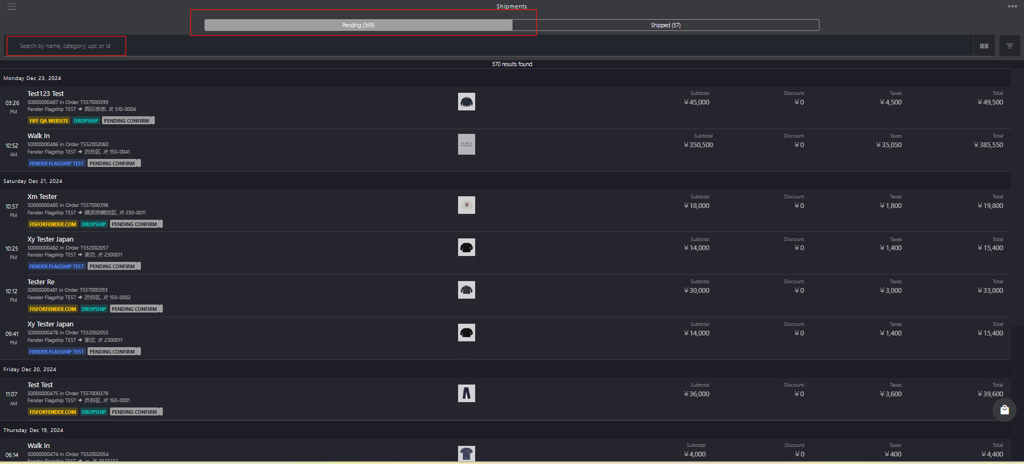
- name
- category
- upc
- id
-
Scan the item barcode.
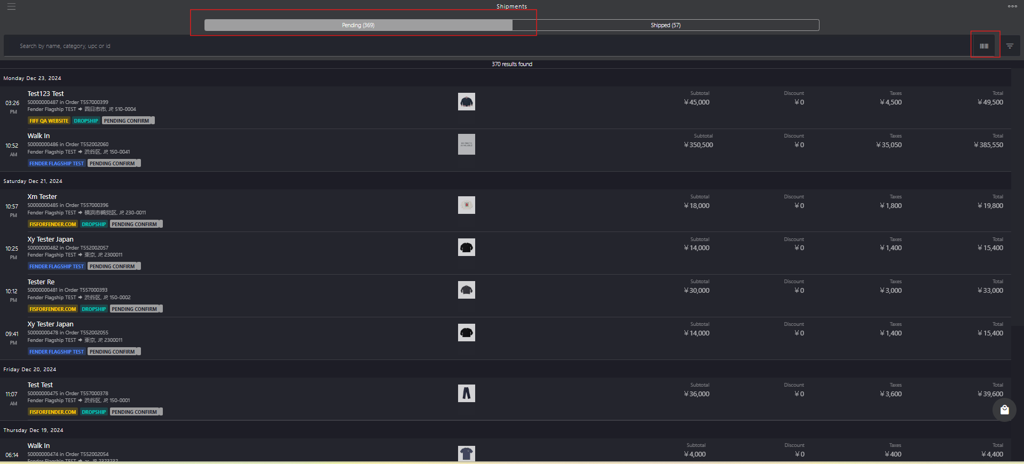
-
Apply the filters based on the category.
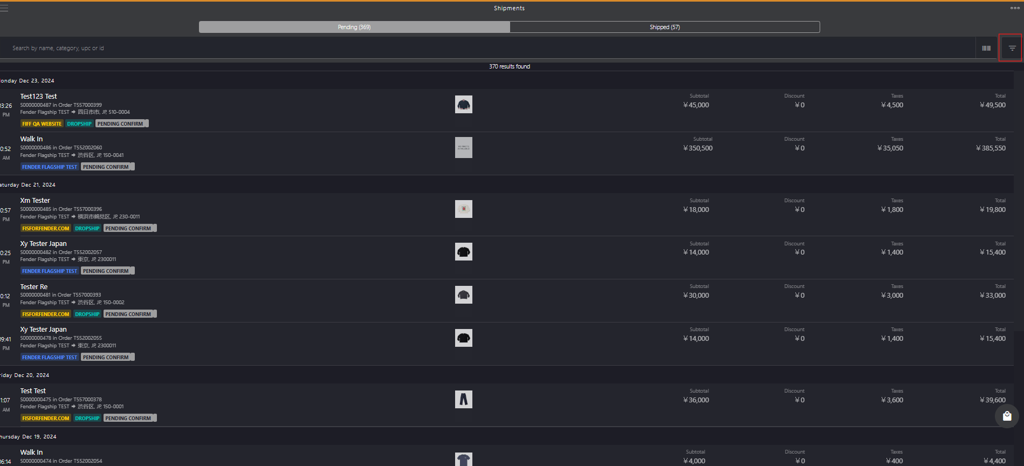
-
-
Click the PENDING CONFIRMED order from the list.
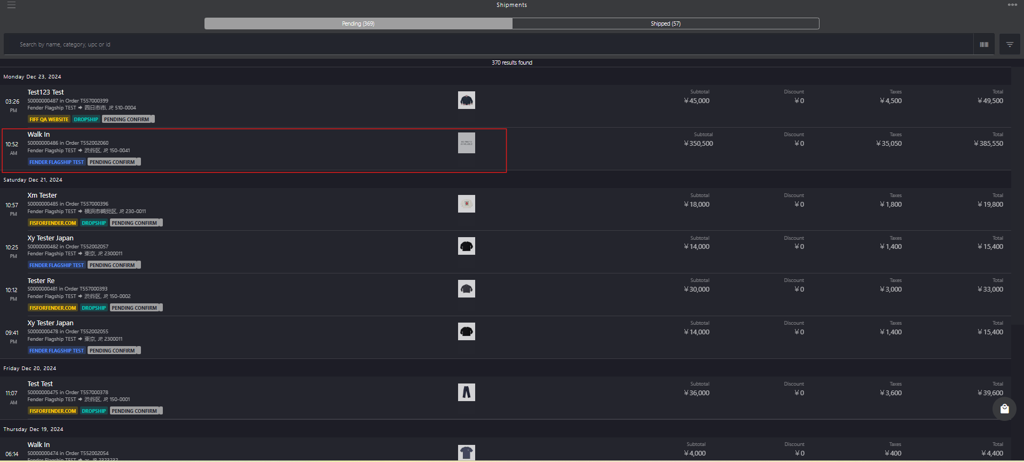
-
Select the product's checkbox.
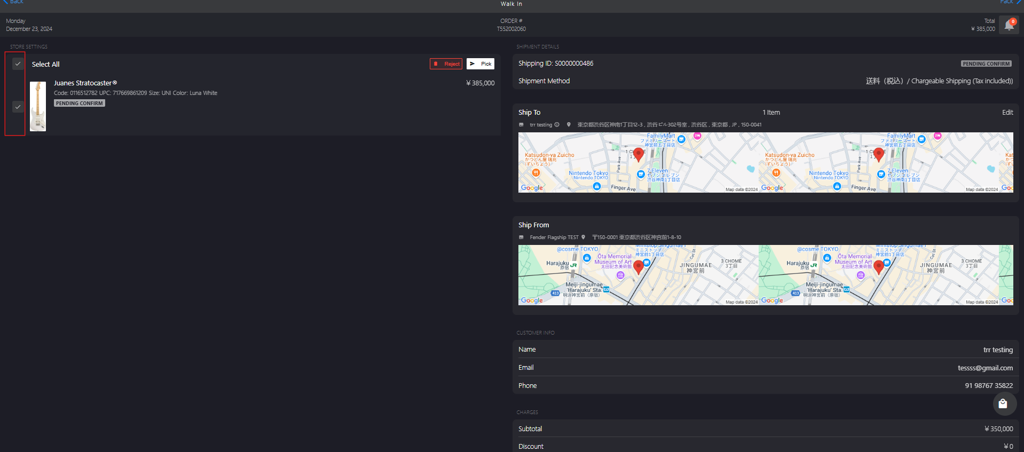
-
Click Pick to change the shipment order status from PENDING CONFIRM to CONFIRMED.
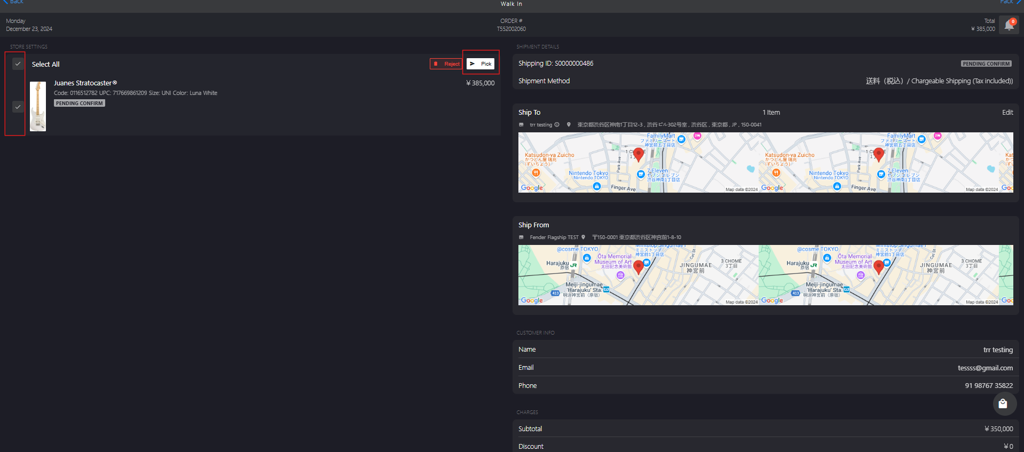
ℹ️ The Shipments page displays pending shipments from all purchases, including in-store or via the mobile application, providing an omnichannel experience.