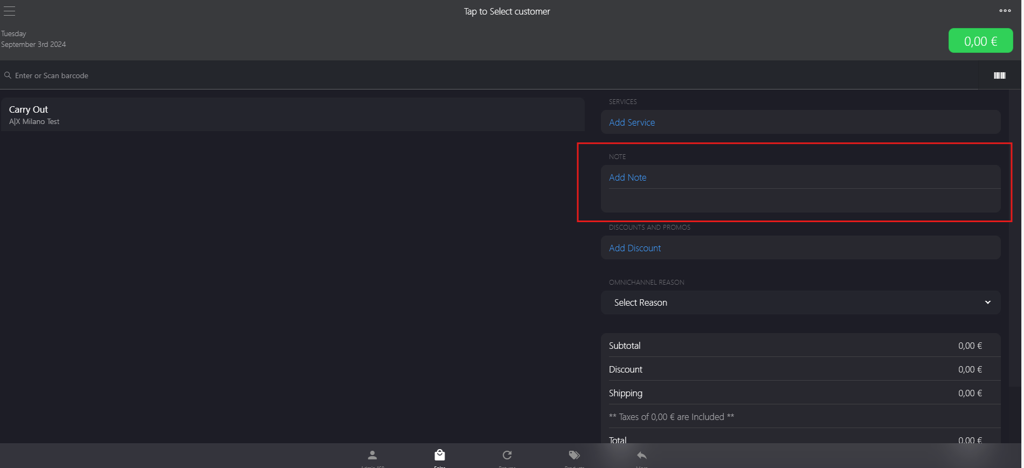
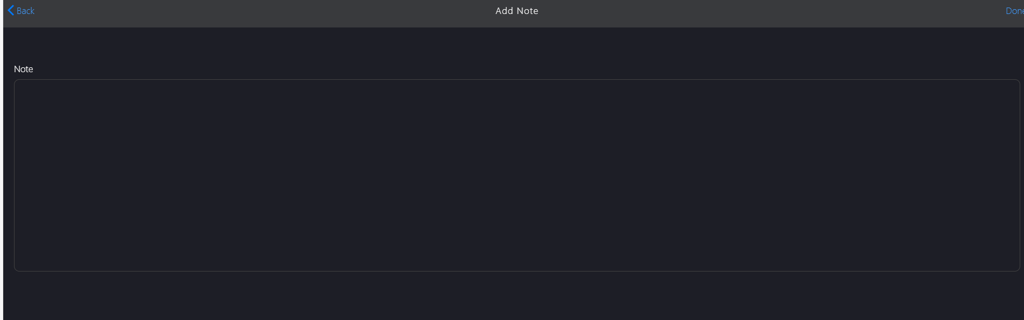
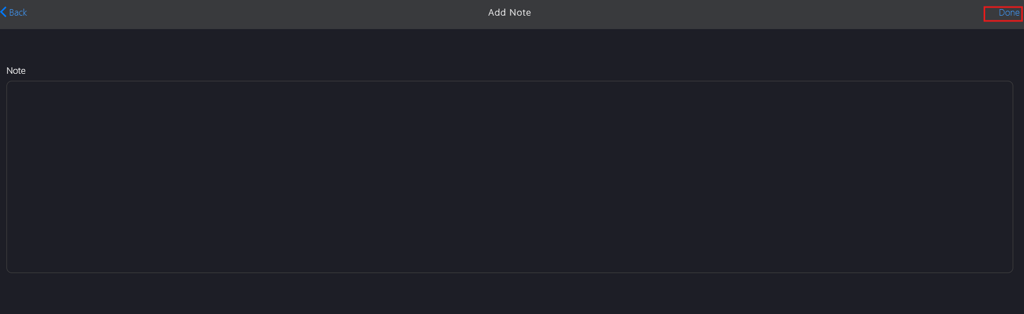
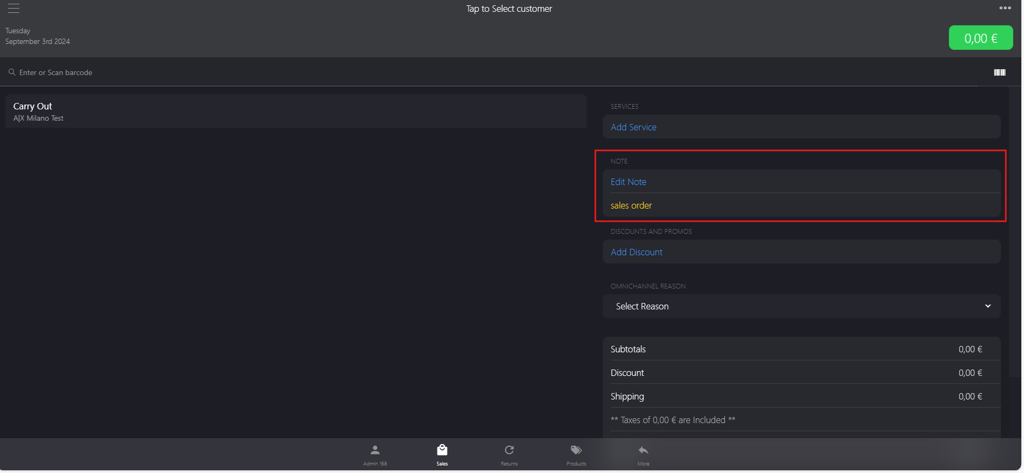
XY Stylist POSSales OrderCreating a Sales OrderAdding NoteOn this pageAdding Note Introduction This topic explains the procedure for creating and editing notes within the sales order. Steps to Creating a Note In the NOTE section, click Add Note. Enter the text in the Note field on Add Note page. Click Done to add the note. Click Edit Note to edit the note field.