Adding an Existing Customer
Introduction
This topic explains the procedure for adding a customer, who is already available in the system, to a sales order.
Steps to Add an Existing Customer to a Sales Order
-
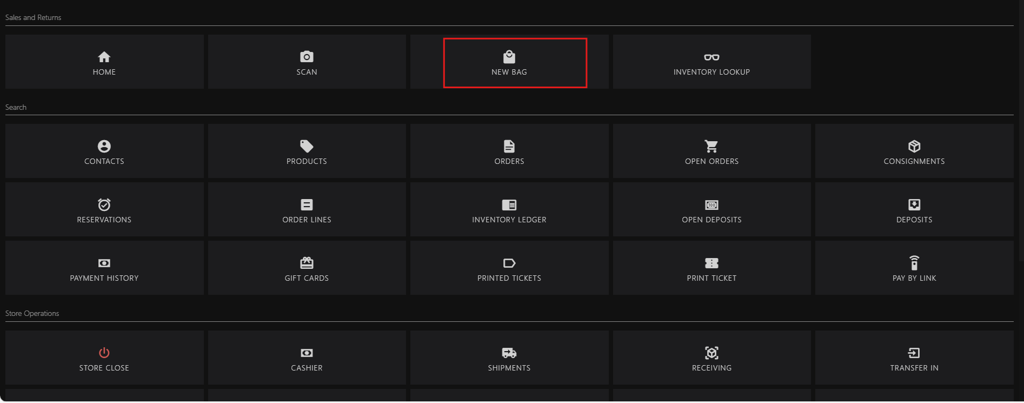
Click NEW BAG.
-
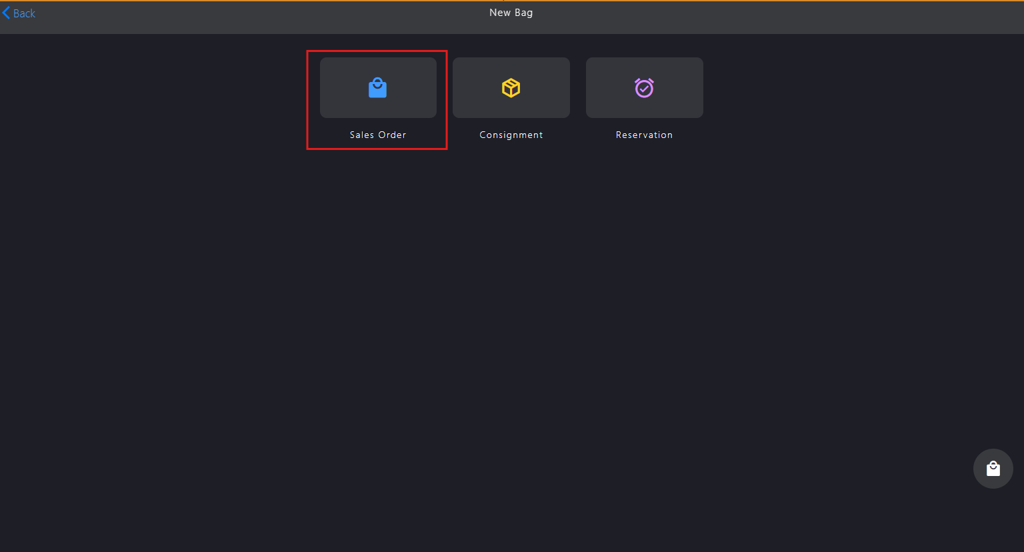
Click Sales Order.
-
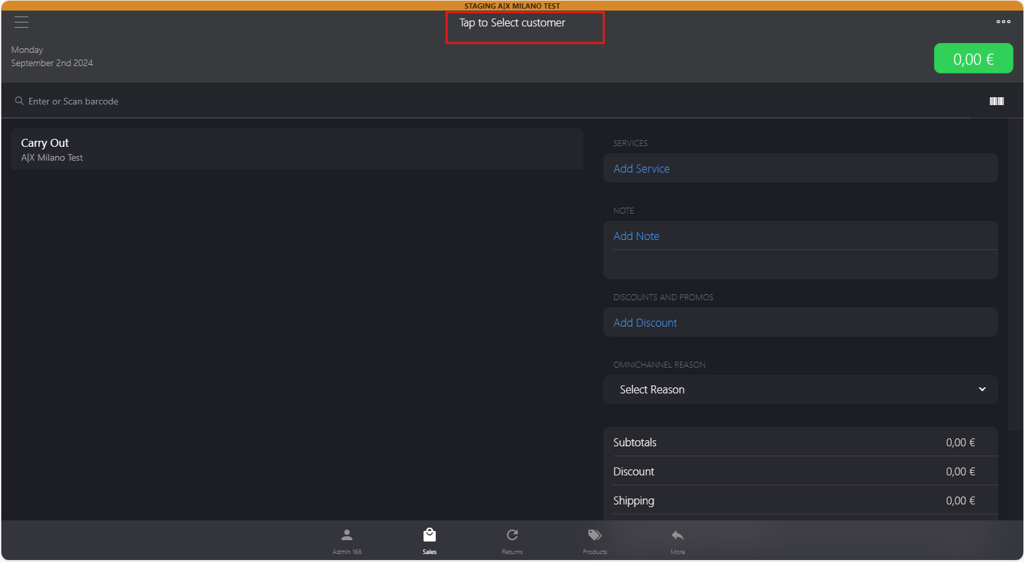
Click Tap to Select customer.
-
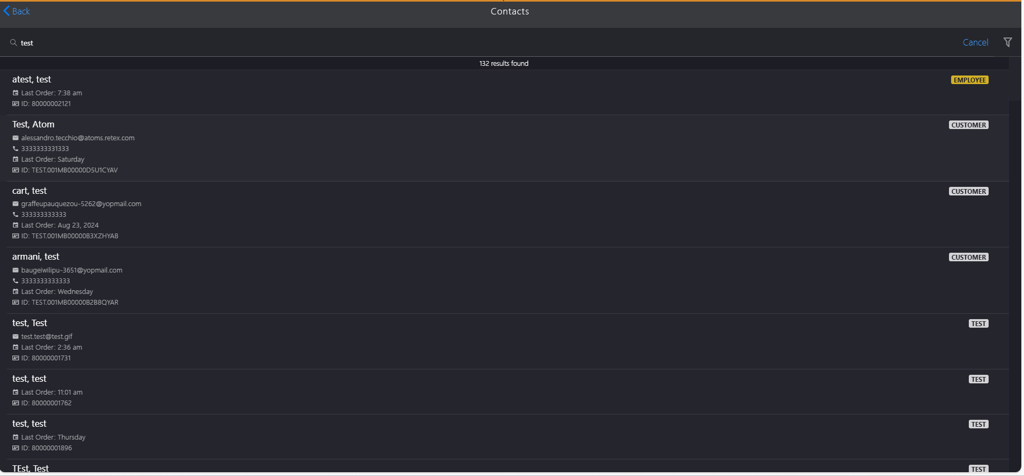
Enter the customer name in the Contacts search box.

-
Select the customer name from the search result.