Closing Sale with Pay by Link
Introduction
This topic explains the procedure for closing a sale with pay by link.
Steps to Close a Sale with Pay by Link
-
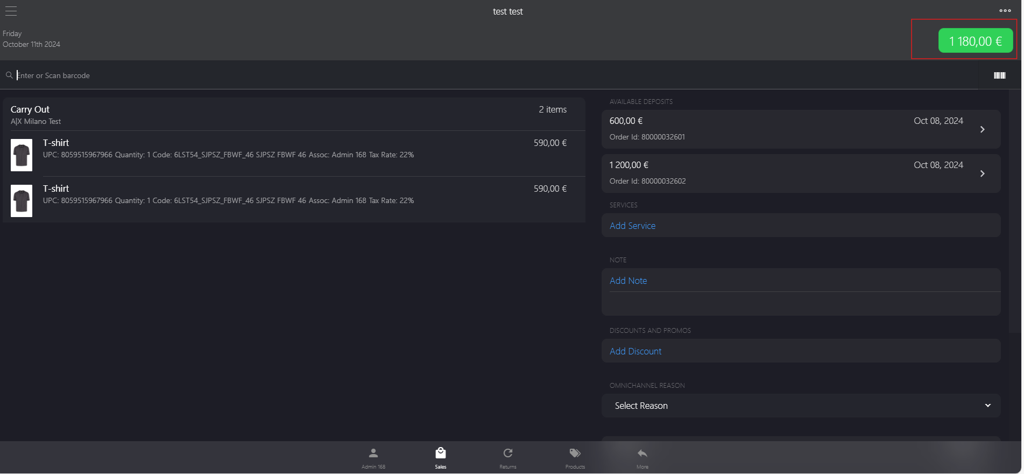
Click the green button.
-
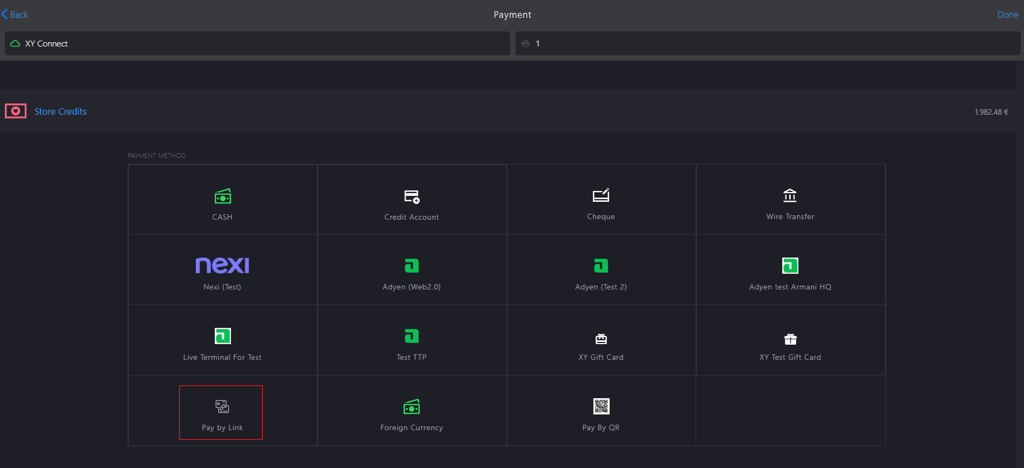
Select Pay by Link from PAYMENT METHOD.
-
Share the payment link using following methods (optional):
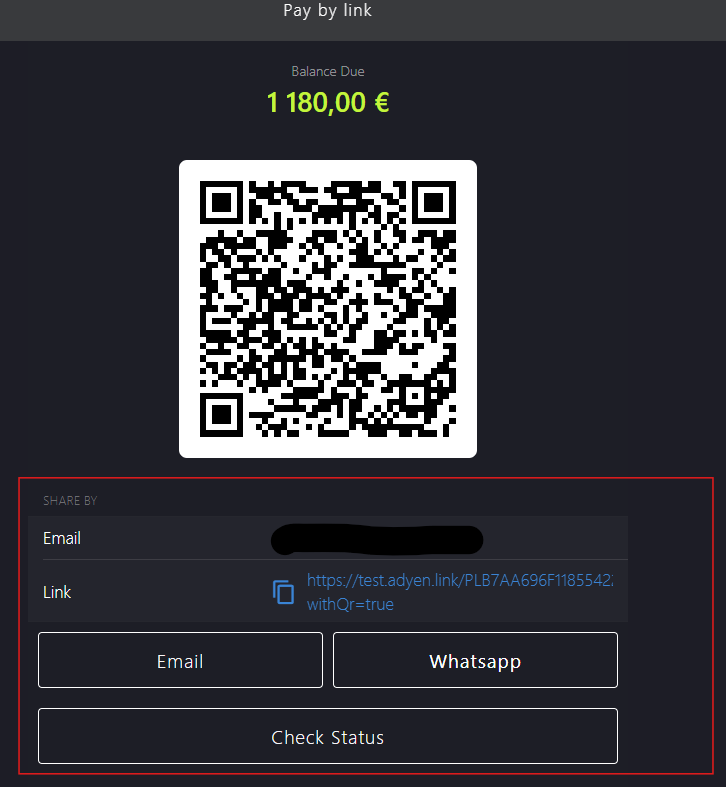
- Copy the payment link provided and share it directly to the customer.
-
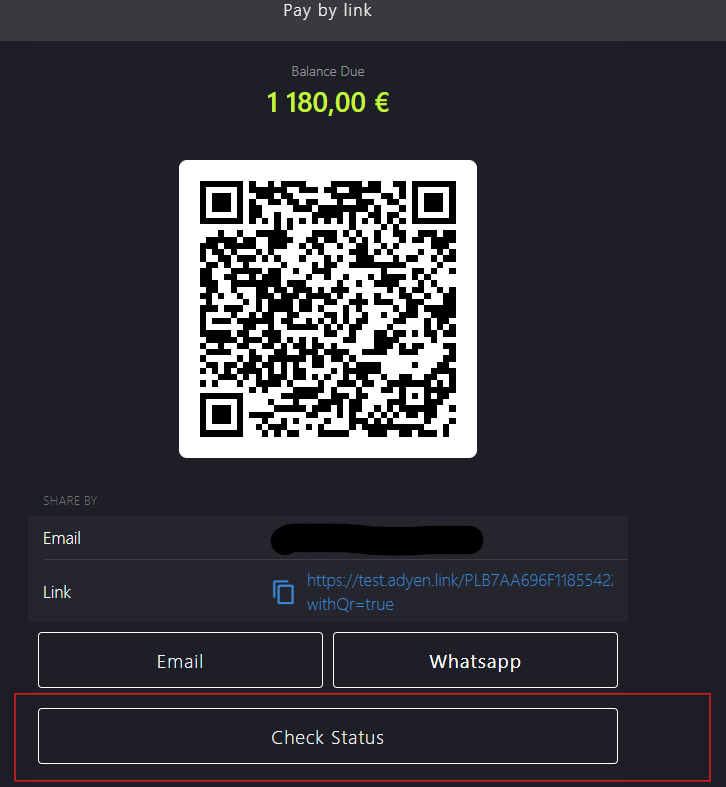
After payment, click Check Status to verify if the payment was successfully done.