Closing Sale with Nexi Payment
Introduction
This topic explains the procedure for closing a sale with Nexi payment.
Steps to Close a Sale with Nexi Payment
-
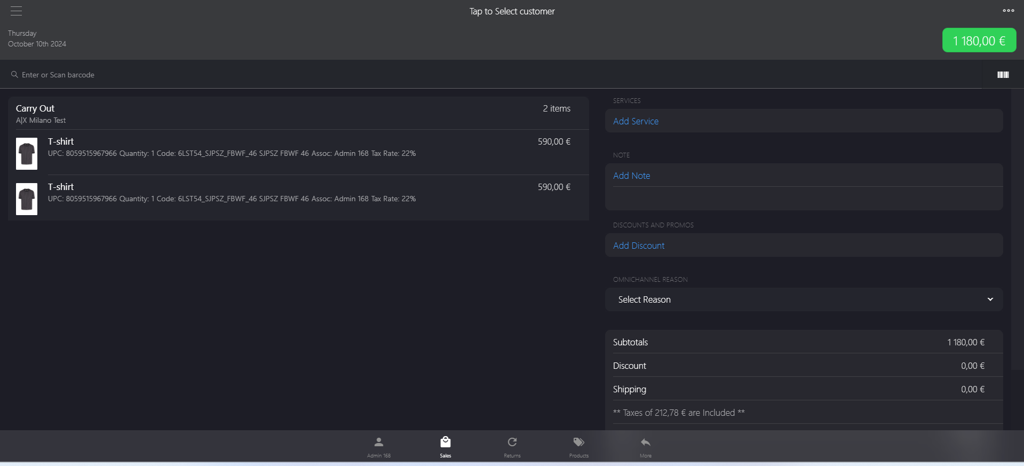
Click the green button.
-
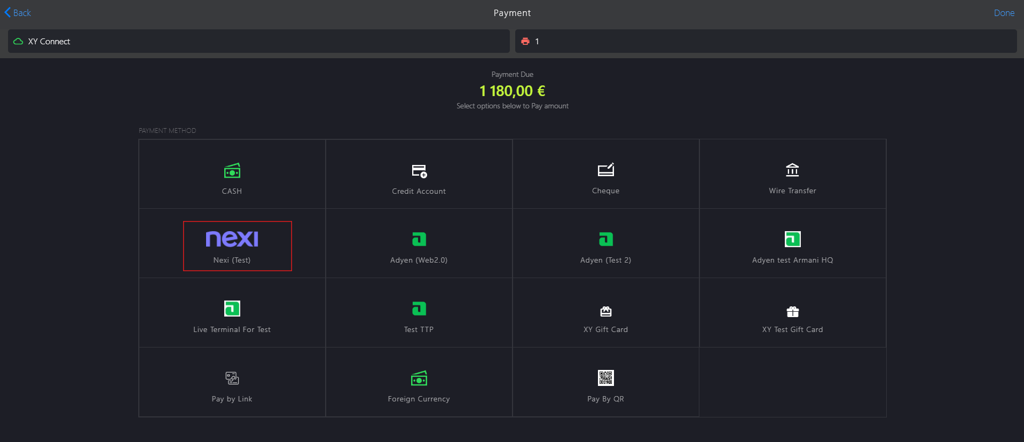
Select nexi from the PAYMENT METHOD.
-
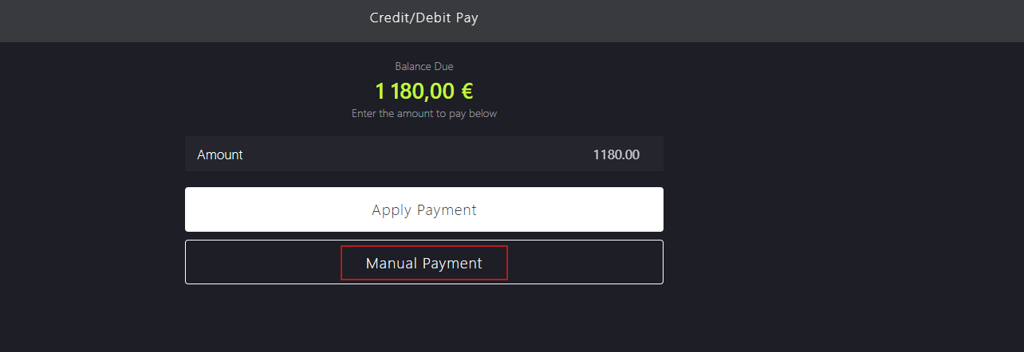
Click Manual Payment.
-
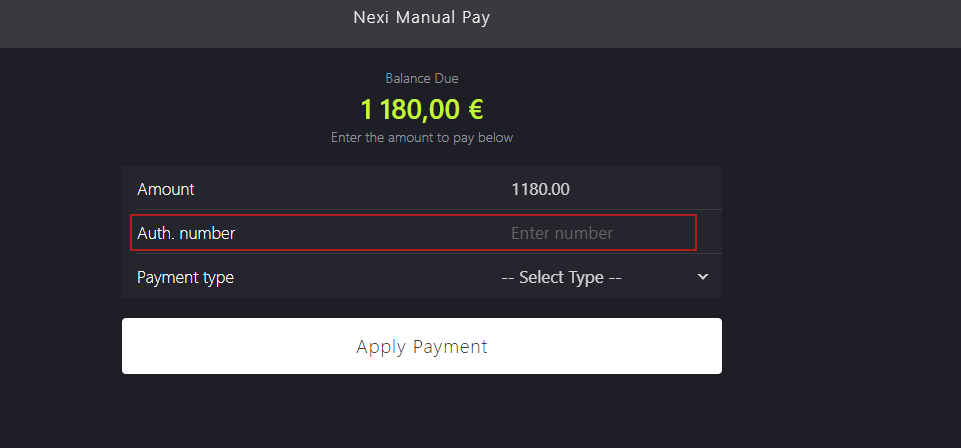
Enter the authorisation number in Auth.number field.
-
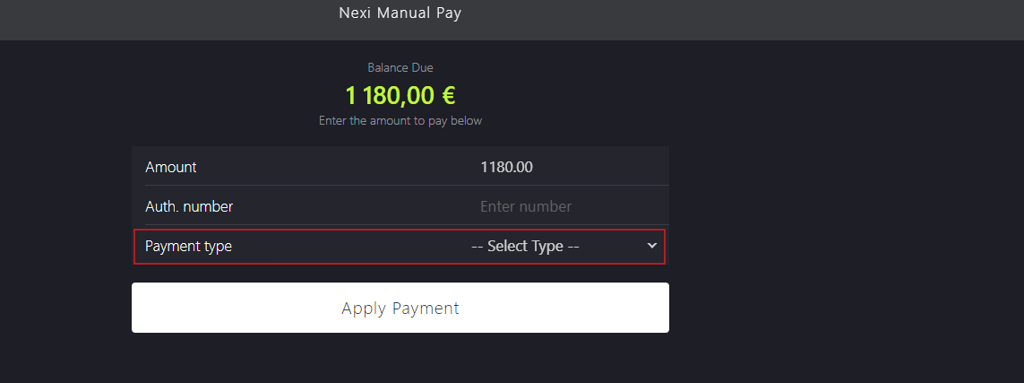
Select a payment method from Payment type dropdown menu.
-
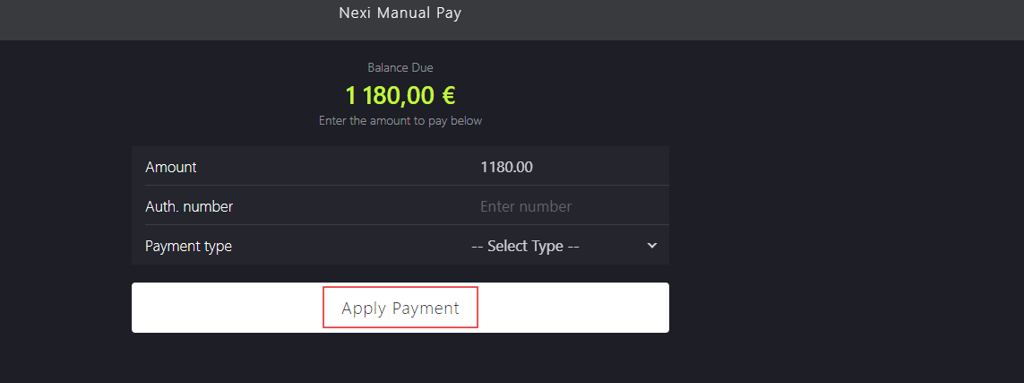
Click Apply Payment.
-
Manually enter or scan the id into the Lottery ID field (optional).

-
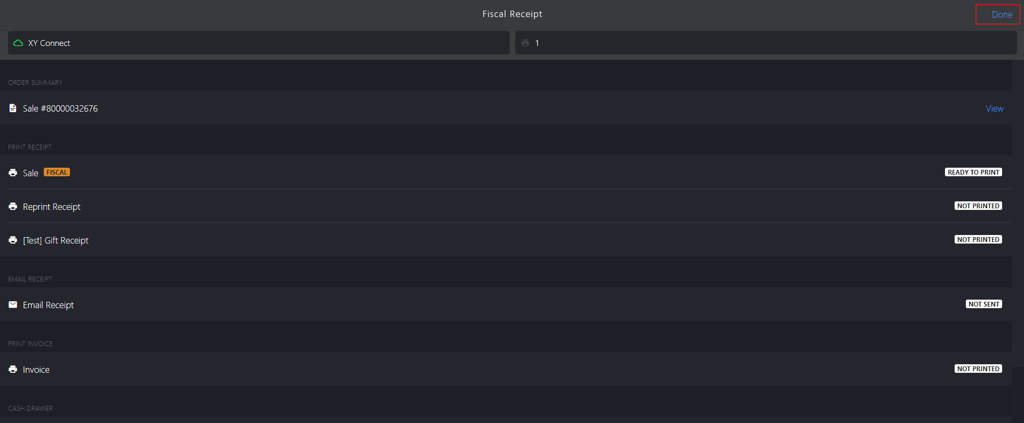
Click Done to proceed with the payment.

-
Click Done to close the sale.