Order Notes Tab
Introduction
The Notes tab displays all notes associated with the selected order (and its items). It provides a centralized view of updates, comments, and contextual information related to the order.
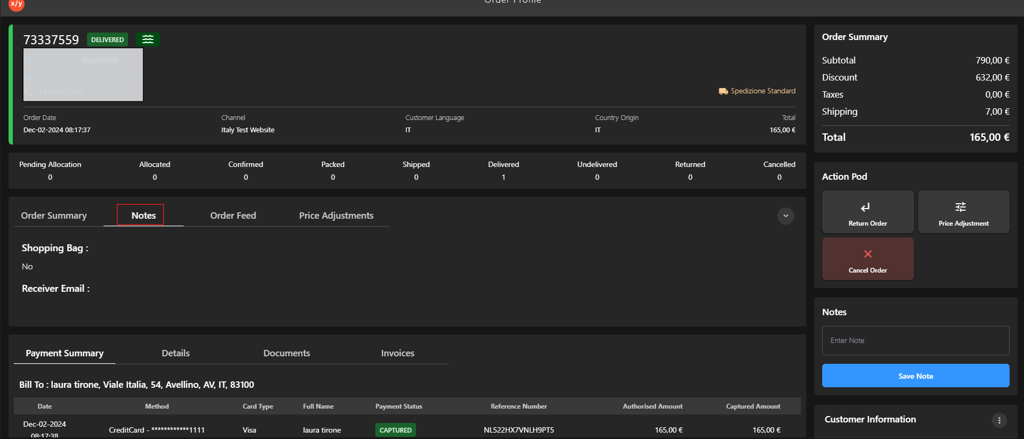
The Notes tab is positioned alongside Order Summary, Order Feed, and Price Adjustments. When selected, it shows all notes linked to the currently selected item in the order:
- If notes exist, they are listed in this section for quick reference.
- If no notes are available, the section appears empty.
This allows users to review item-specific context without navigating away from the order details.