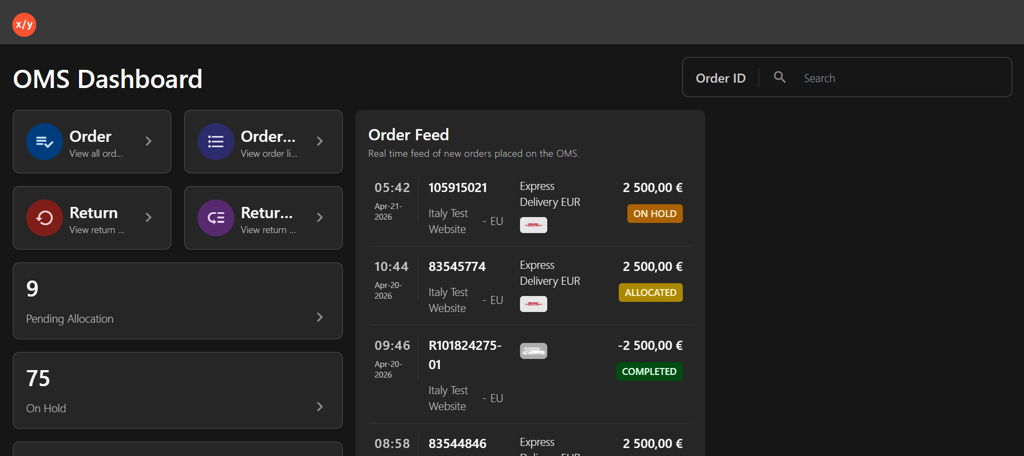
Sign In to OMS
Introduction
This topic explains the procedure for authenticating and accessing the Order Management System (OMS) application using your account credentials.
Steps to Sign in to OMS
-
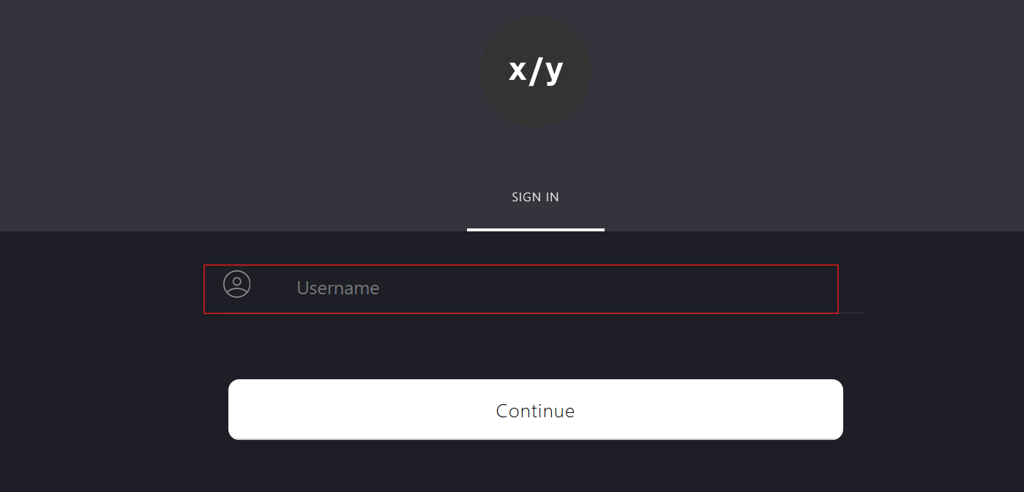
Navigate to OMS sign in page.
-
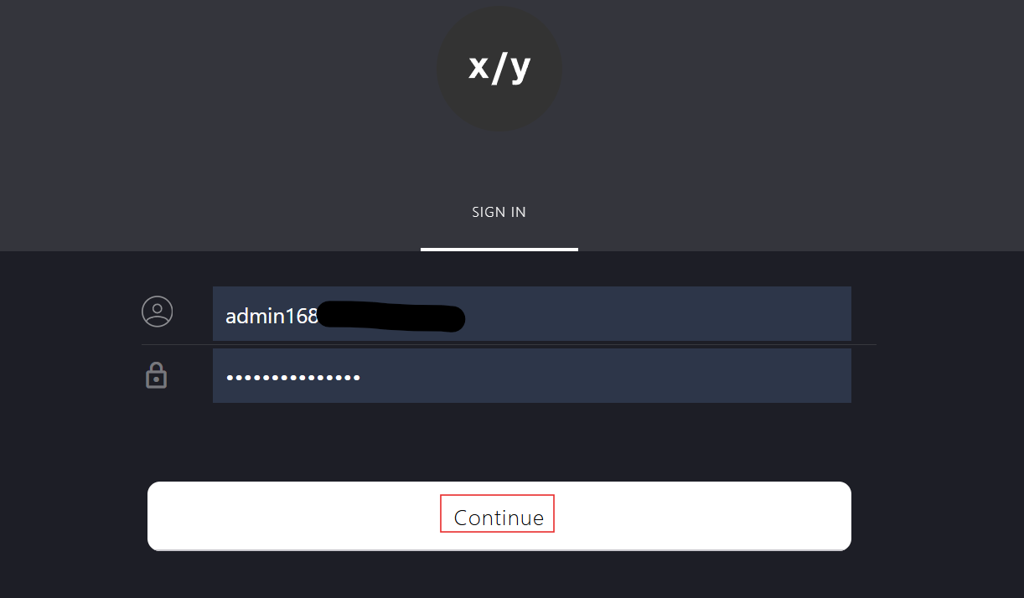
Enter the email address in the box.
-
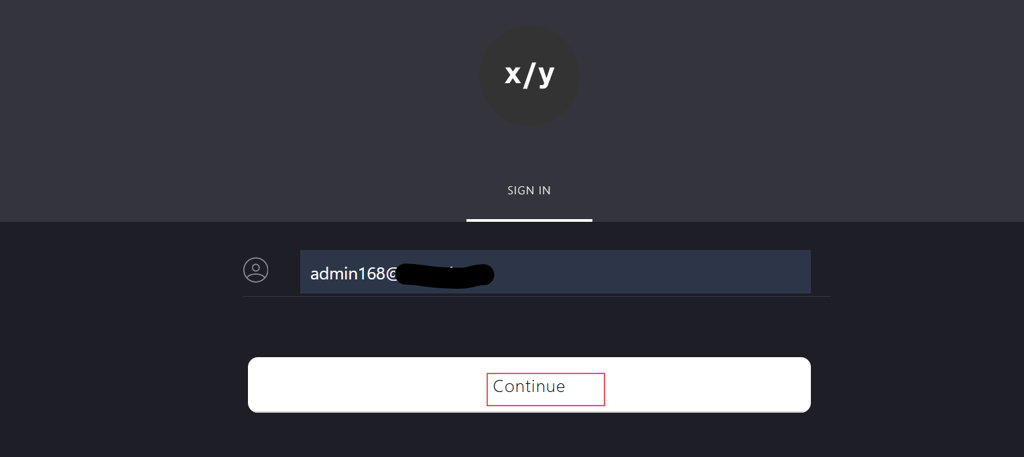
Click Continue.
-
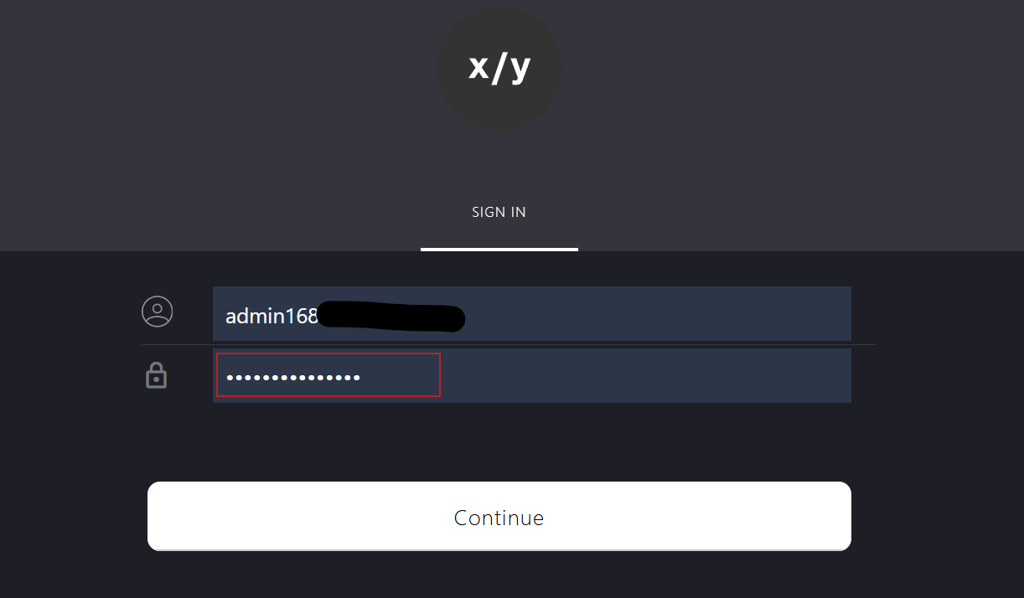
Enter the password in Password field.
-
Click Continue.
-
After entering your password, you will be redirected to the OMS home page.