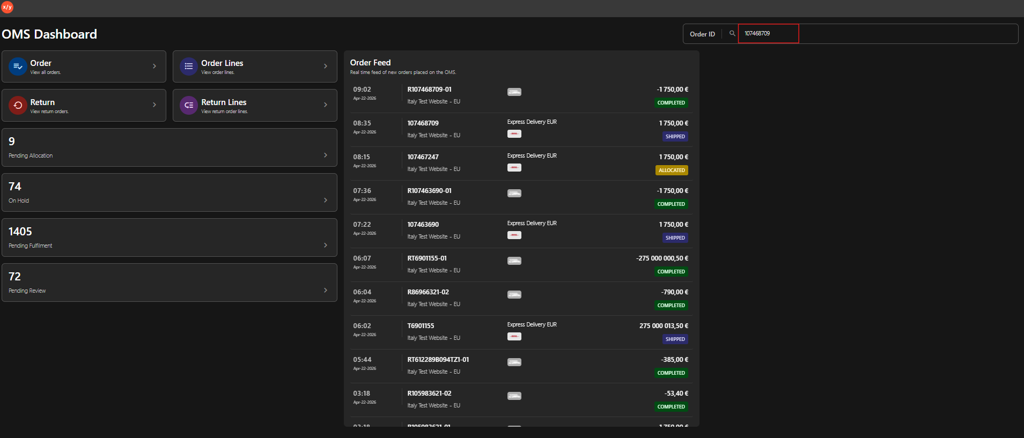
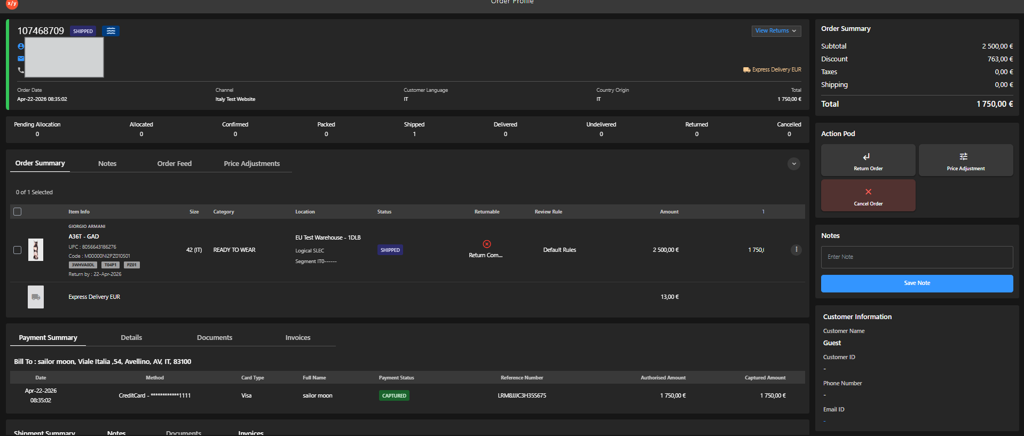
XY OMSOMS User GuideOrder ManagementSearching for an Order from OMS DashboardOn this pageSearching for an Order from OMS Dashboard Introduction This topic explains how to find an order on the OMS Dashboard using the Order ID search box. Steps to Search For an Order Enter the Order ID in the search box. Press Enter to display the order details.