Providing a Real Time Order Status Report
Introduction
This topic explains how to communicate the latest order status to a customer using the Order Profile.
Steps to Provide Order Status
-
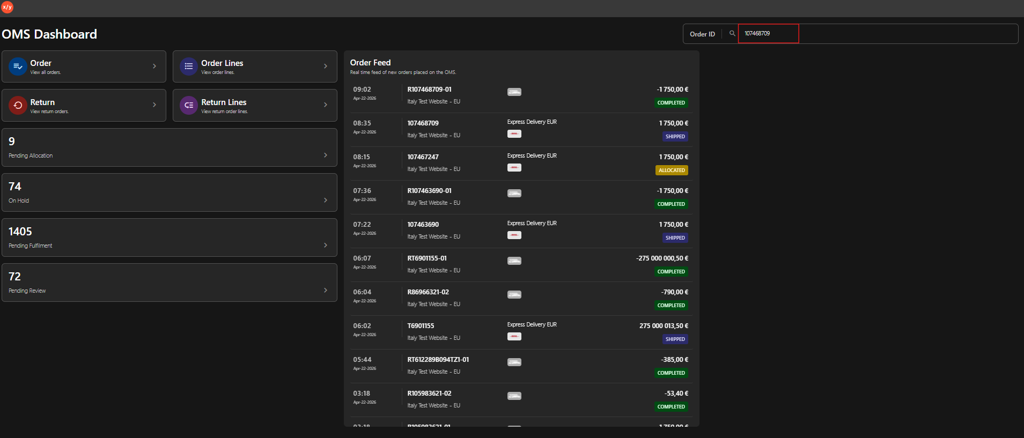
Enter the Order ID in the search box.
-
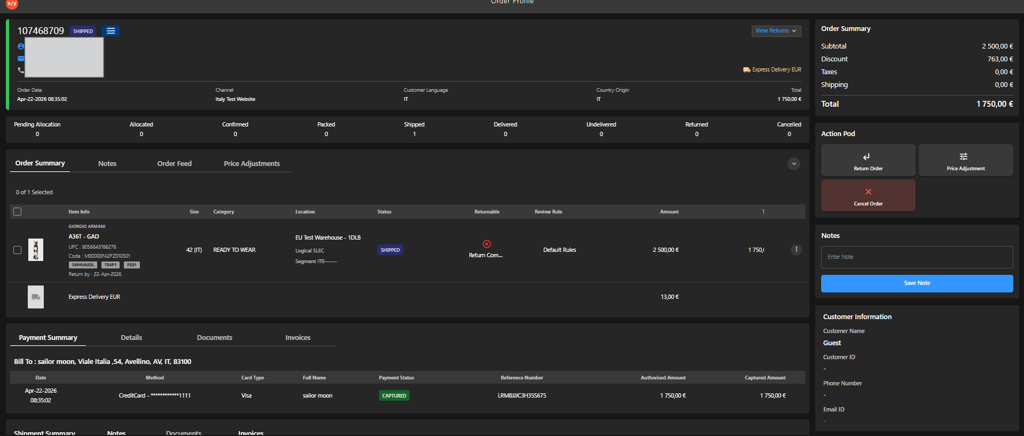
Press Enter to display the order details.
-
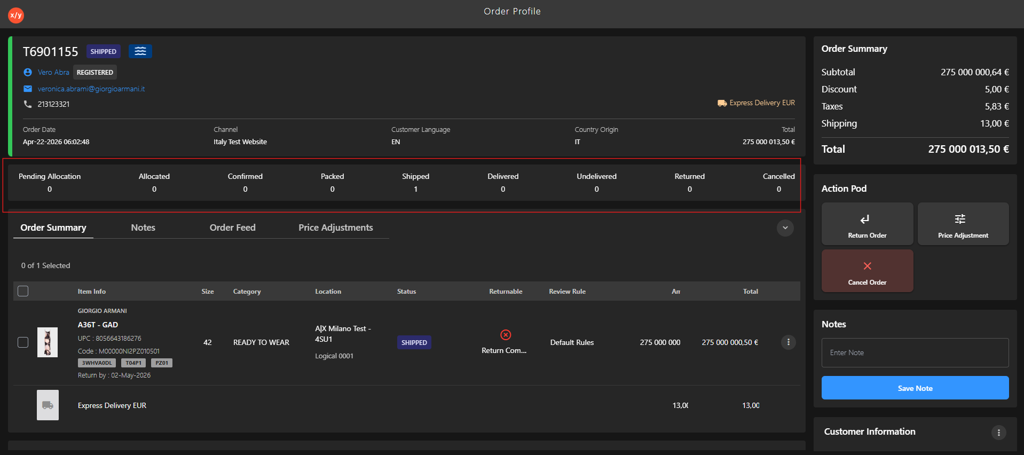
Navigate to the Order status bar.
-
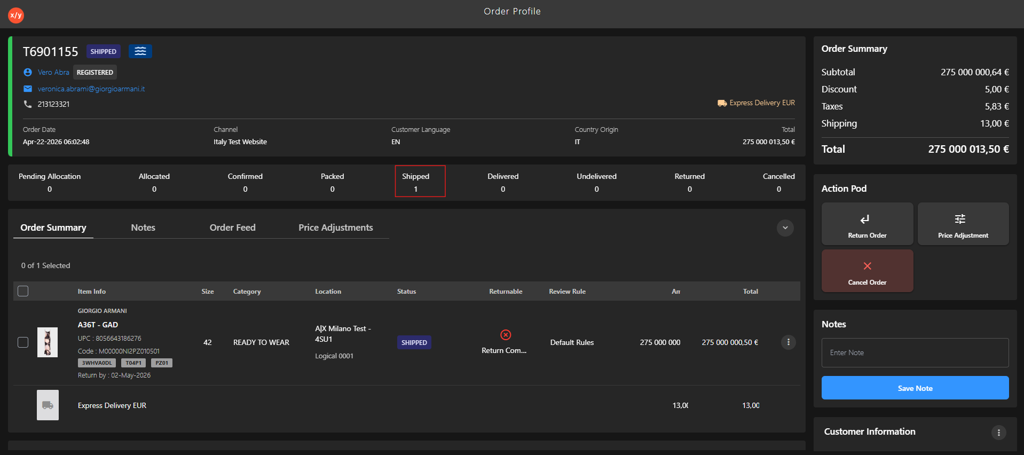
Identify the current order status.
-
Refer to the Status Response Table and communicate the appropriate update to the customer.