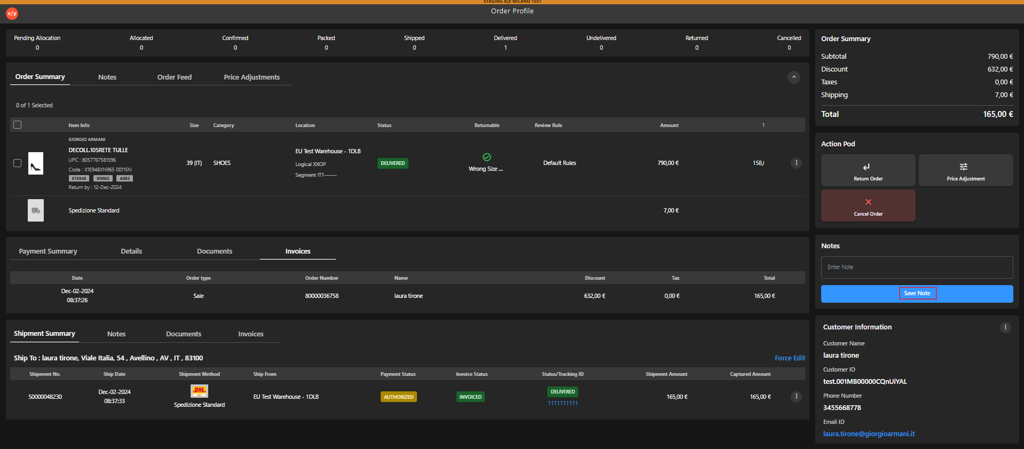
Adding a Note to an Order
Introduction
The Notes section allows users to record and store additional information related to the selected order. It is used to capture remarks, instructions, or context that support order processing and communication.
Steps to Add a Note
-
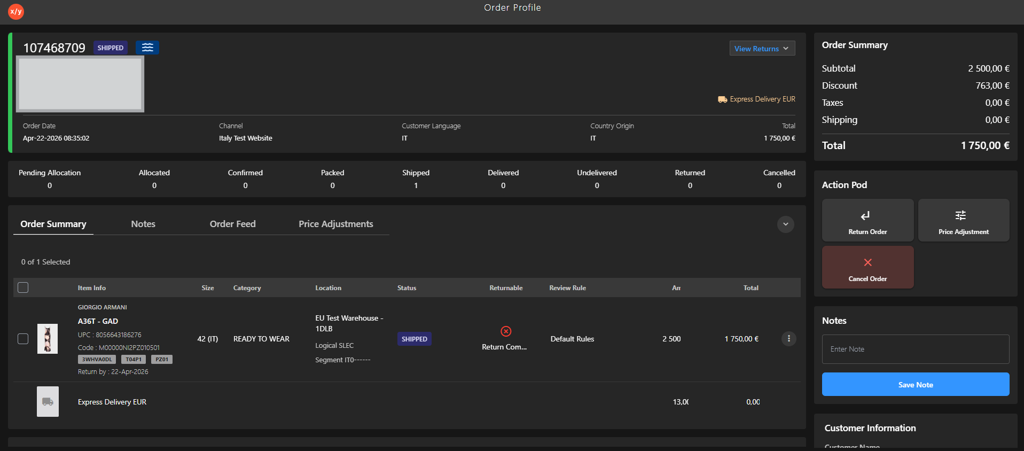
Open the Order Profile.
-
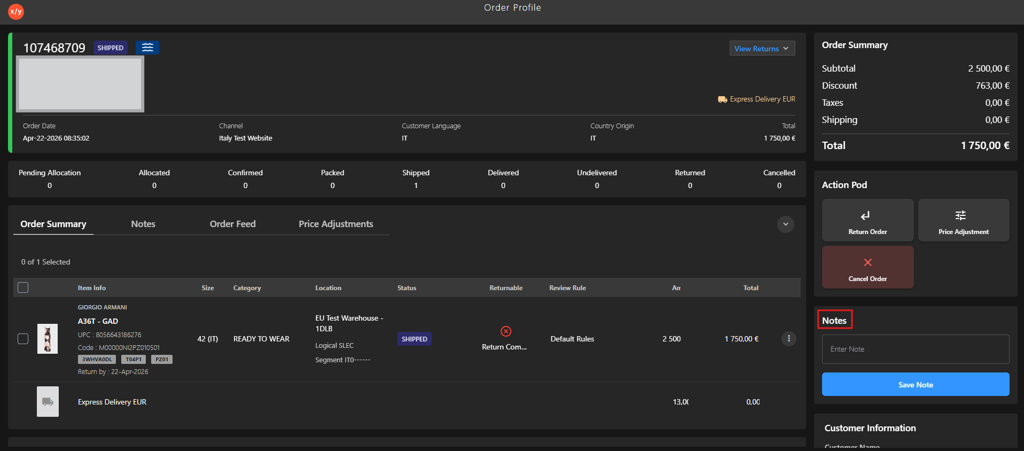
Go to Notes.
-
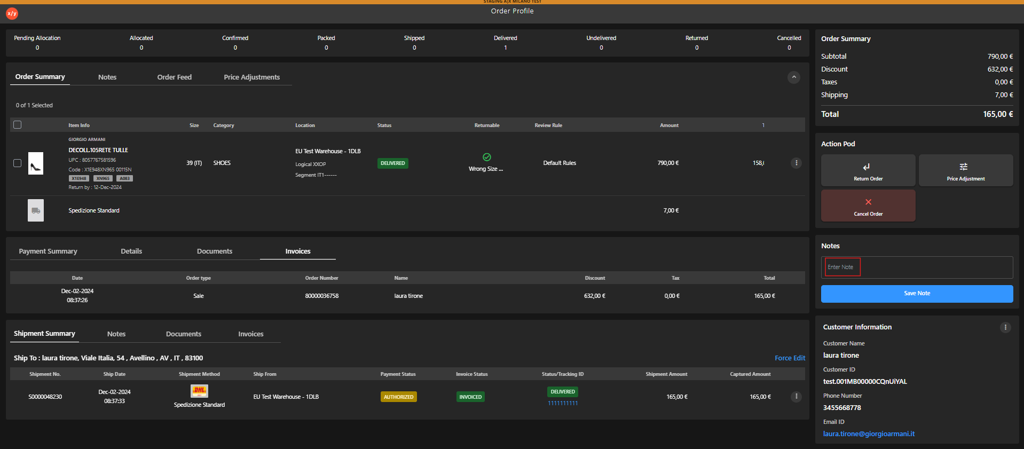
Enter the note in the Enter Note field.
-
Click Save Note.